
· 4 min read · Gaia Lab
How to publish a post on this blog
Internal guide for the team: create a post with Hugo, fill in the front matter, review it locally and publish it on GitLab Pages.
This blog is a static site generated with Hugo and deployed on GitLab Pages. Each post is a Markdown file inside its own folder, and publishing means merging that file into the main branch. At Gaia Lab we have gathered the complete steps here so that any member of the team can write and publish without depending on anyone else.
Creating the post #
Clone the repository and create the post with hugo new content. Hugo applies the archetypes/posts.md archetype to everything under posts/, so the file is born with the front matter already prepared and with draft: true.
git clone <url-del-repositorio> gaia-blog
cd gaia-blog
hugo new content posts/mi-entrada/index.md
The result is a content/posts/mi-entrada/ folder with an index.md inside. Hugo calls this a page bundle: the post’s photos and videos are copied into that same folder and referenced by name, without paths. The folder name is the post’s final URL, so it should be short, lowercase and free of accents.
The front matter #
The YAML block between the two --- describes the post. All keys must be present even if they are left empty.
| Field | What it contains |
|---|---|
title | Sentence-case title, without unnecessary capitals. The template renders it as H1, so the body starts at ## . |
date | Publication date with time zone (2026-09-17T10:00:00+02:00). It orders the posts in the listing. |
lastmod | Last modification. Update it when you touch up a post that is already published. |
draft | true while writing; false to publish. |
description | One- or two-sentence summary (60-180 characters). Shown on the cards and in the metadata. |
author | Authorship. By default, "Gaia Lab". |
tags | 2 to 5 lowercase tags, without accents and in kebab-case. They generate the /tags/ pages. |
projects | Related European or national projects (["NANCY", "5GASP"]), or []. They generate the /projects/ pages. |
cover | Name of the cover image file, copied into the same folder, or "" if there is none. |
coverAlt | Alternative text for the cover. Mandatory if there is a cover. |
coverCaption | Optional caption below the cover. |
This very post has deliberately been published without a cover, to check how a card without an image looks.
Useful Markdown #
The body is written in standard Markdown. What we use most:
## Encabezado de sección
### Subsección
- Elemento de lista
- Otro elemento
| Parámetro | Valor |
|---|---|
| Red | 5G SA |
> Cita o resultado destacado.
```python
print("código con resaltado por lenguaje")
```
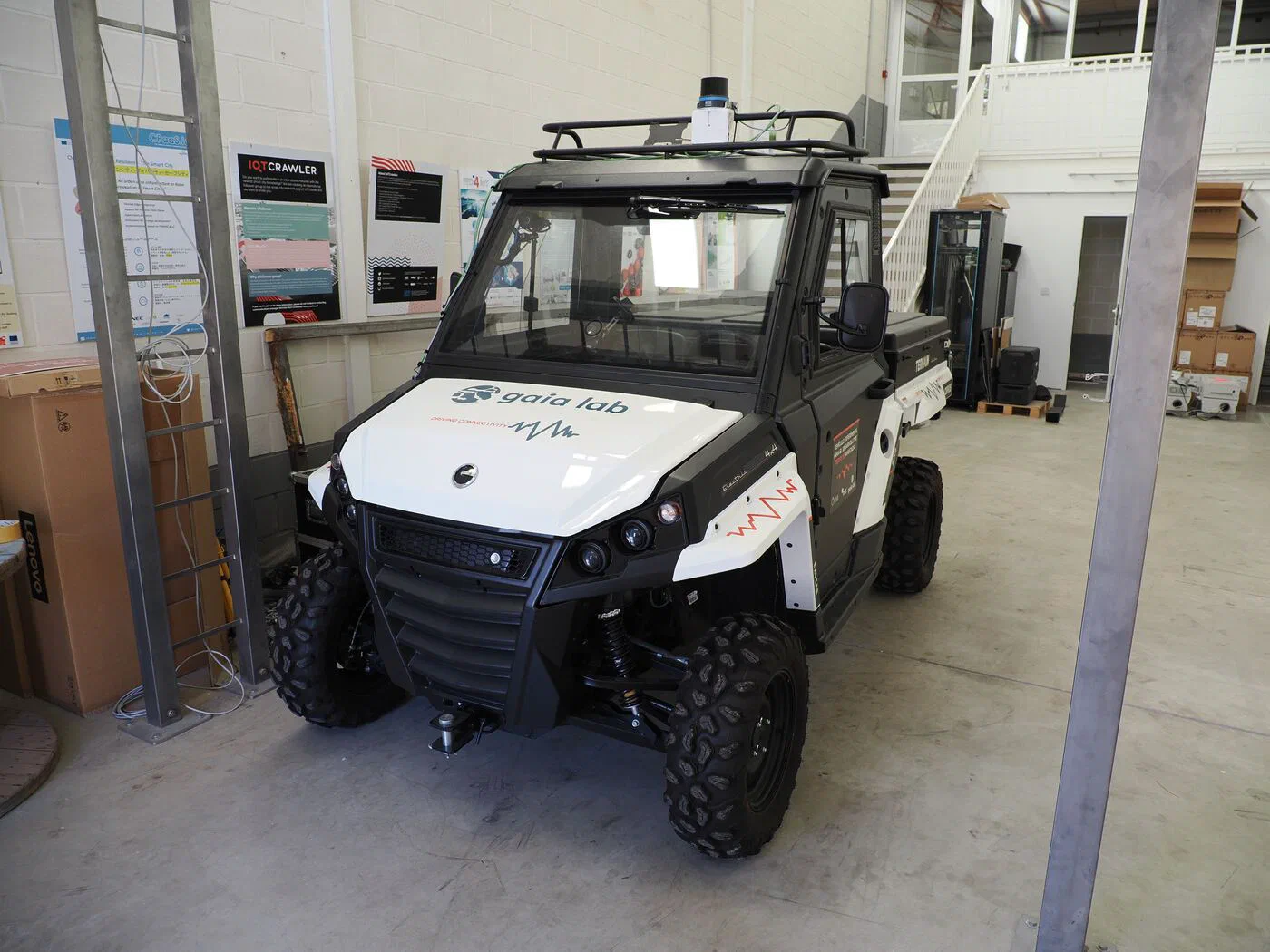
The image goes in its own paragraph and the text in quotation marks becomes the caption. This is how a real photo copied into this post’s folder looks:
Besides Markdown, the template offers three Hugo shortcodes:
{{< note title="Nota" >}}
Aviso lateral. Admite Markdown y `type="warning"`.
{{< /note >}}

{{< video src="clip.mp4" poster="clip.jpg" caption="Pie del vídeo" >}}

{{< youtube ID_DEL_VIDEO >}}
And this is what the first of them looks like in use:
Viewing the site locally #
hugo server -DThe site is served at http://localhost:1313/. Since the baseURL in hugo.toml carries a path (/blog/), Hugo keeps it locally and the real address is http://localhost:1313/blog/. The -D option also shows drafts; without it, and in the deployment, a post with draft: true does not exist. Changes to the Markdown reload automatically in the browser.
Publishing #
We always publish from a branch and through a merge request:
git checkout -b post/mi-entrada
git add content/posts/mi-entrada/
git commit -m "Entrada: mi entrada"
git push -u origin post/mi-entrada
When the merge request is opened in GitLab, the pipeline runs the build job, which checks that the site compiles and stores the result as an artifact. When the merge request is merged into main, the pages job rebuilds the site with the final URL and deploys it to GitLab Pages; the post appears within a minute or two.
Photos and videos #
Photos are uploaded as JPG between 1,400 and 2,000 px wide, correctly oriented and stripped of metadata. With ImageMagick:
magick foto.JPG -auto-orient -strip -resize 1600x -quality 80 salida.jpgVideos go in H.264 MP4 with the index at the beginning of the file (faststart), so that they start playing before they are fully downloaded. The first command re-encodes any video to H.264; the second is for when it is already H.264 and only the index needs moving, without re-encoding:
ffmpeg -i original.mp4 -c:v libx264 -crf 28 -movflags +faststart clip.mp4
ffmpeg -i clip.mp4 -c copy -movflags +faststart salida.mp4
Do not upload heavy originals, RAW files or full-length videos to the repository: unprocessed material is kept outside the repository and only the optimised version makes it into the post’s folder.